
Offline URLs
Overview for offline URLs
To promptly update a customer or a business about a sale's progress, sync to KRA; DigiTax has a new offline URL feature.
Meaning that when integrating, you can formulate a QR code immediately to mitigate the following scenarios where:
- Your system is running offline
- Your system has an intermittent connection to DigiTax API
- There's extended downtime on eTIMS, and we have not resolved the transaction on the DigiTax API side
Format
The offline URL is in the format https://receipt.dg.tax/r/<business_id>/<trader_invoice_number>
Example: https://receipt.dg.tax/r/business_01KK0ZMC0XTYBXXPBS8BN3SDTA/SAL26-065-072410521-DAU2F2- https://receipt.dg.tax/r/business_01KK0ZMC0XTYBXXPBS8BN3SDTA/SAL26-065-072410521-DAU2F2
How do I get my business_id?
business_id?There are two ways: via the DigiTax Dashboard and via the API.
via the DigiTax Dashboard
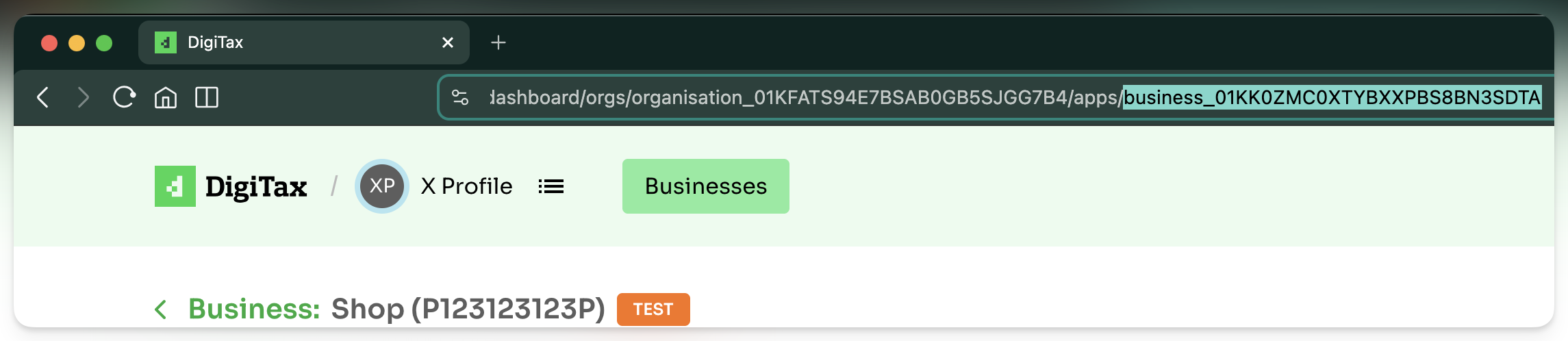
business_id is the alphanumeric value in the path when logged into the dashboard and viewing your business account.
Example:
If your current URL (if you are already in a business on the DigiTax dashboard) is https://digitax.tech/dashboard/orgs/organisation_01KFATS94E7BSAB0GB5SJGG7B4/apps/business_01KK0ZMC0XTYBXXPBS8BN3SDTA then:
The business_id would be business_01KK0ZMC0XTYBXXPBS8BN3SDTA which:
- is after the ".../apps/"
- and has a prefix "business_"
via the DigiTax API
If you make a GET request to the endpoint https://api.digitax.tech/ke/v2/etims-info the response includes the business_id:
{
  "id": "branch_01HC3J1VVVM05YCTS61G7V3KC6",
  "tax_pin": "P012345678P",
  "branch_office_id": 0,
  "branch_office_name": "Head Office",
  "branch_status_code": 1,
  "county_name": "Nairobi",
  "sub_county_name": "Westlands",
  "tax_locality_name": "CBD",
  "location_description": "1st Floor",
  "manager_name": "John Doe",
  "manager_contact": 712345678,
  "manager_email": "[email protected]",
  "is_head_office": true,
  "business_id": "business_01JPAF3FHV3M85T2KVEDQQGFGJ"
}
What is the trader_invoice_number?
trader_invoice_number?The trader_invoice_number is the alphanumeric identifier you generate or pick from your system to tie an invoice in your records (or system records) with an invoice on DigiTax and consequently on eTIMS.
A maximum of 50 characters is allowed!
Currently, for offline URL to work the<trader_invoice_number>should only have characters that are safe to use in URLs without URL encoding.These are:
- Alphanumeric characters: A-Z, a-z, 0-9
- Hyphen: -
- Underscore: _
- Period (dot): .
- Comma: ,
We'll release an update that allow other characters.
Completed status
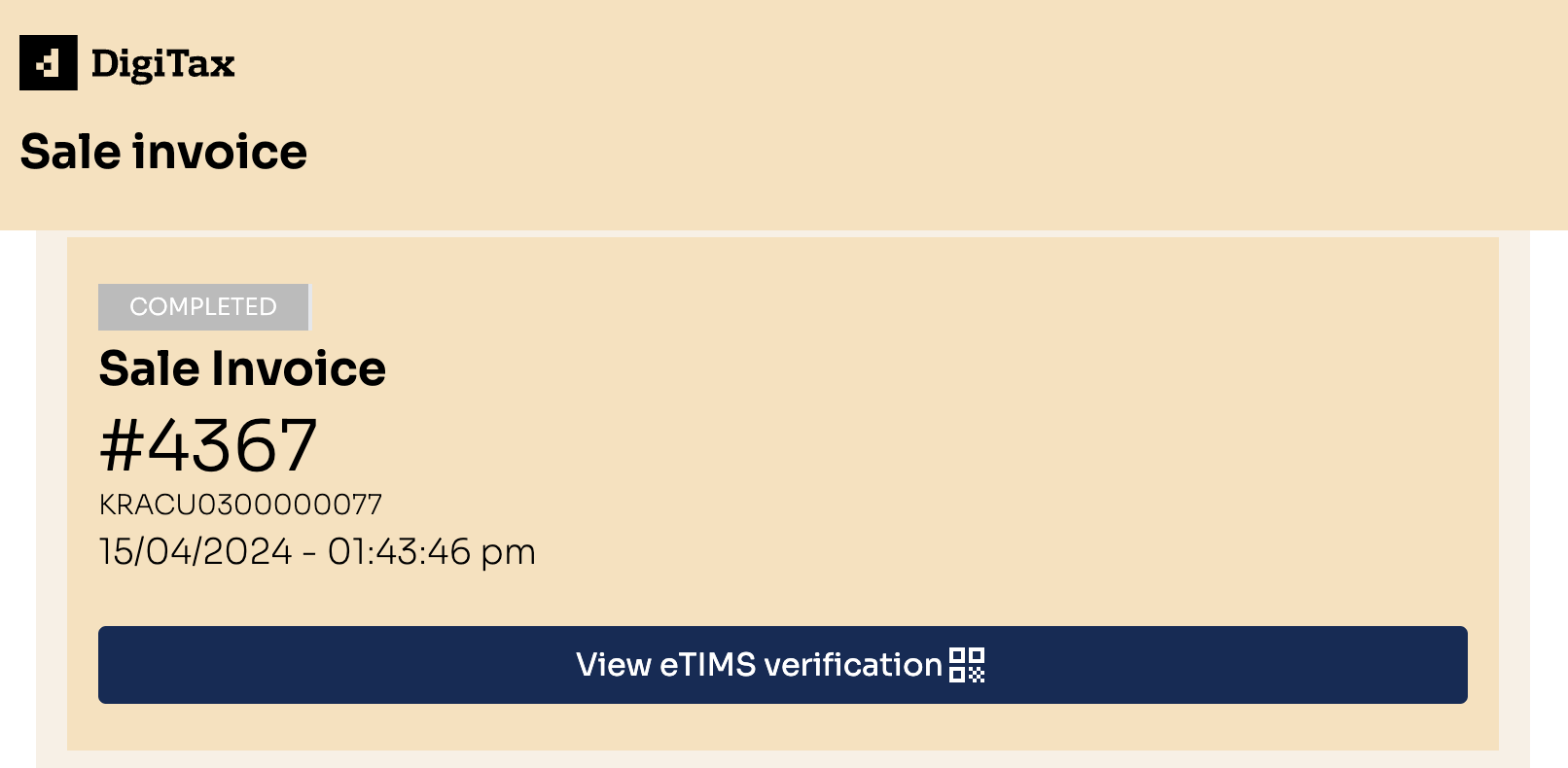
If the transaction is complete, like the one above, you have a link to view the eTIMS verification.
URL of a complete transaction: <https://etims.ke/r/clno9s9zb02fqs601u5i79a06/v5241554>
See screenshot below.
Other statuses
If the transaction is incomplete, like the one below, you do not get a link to view the eTIMS verification.
-
URL of a failed transaction: <https://etims.ke/r/clno9s9zb02fqs601u5i79a06/DR24251250>
See screenshot below.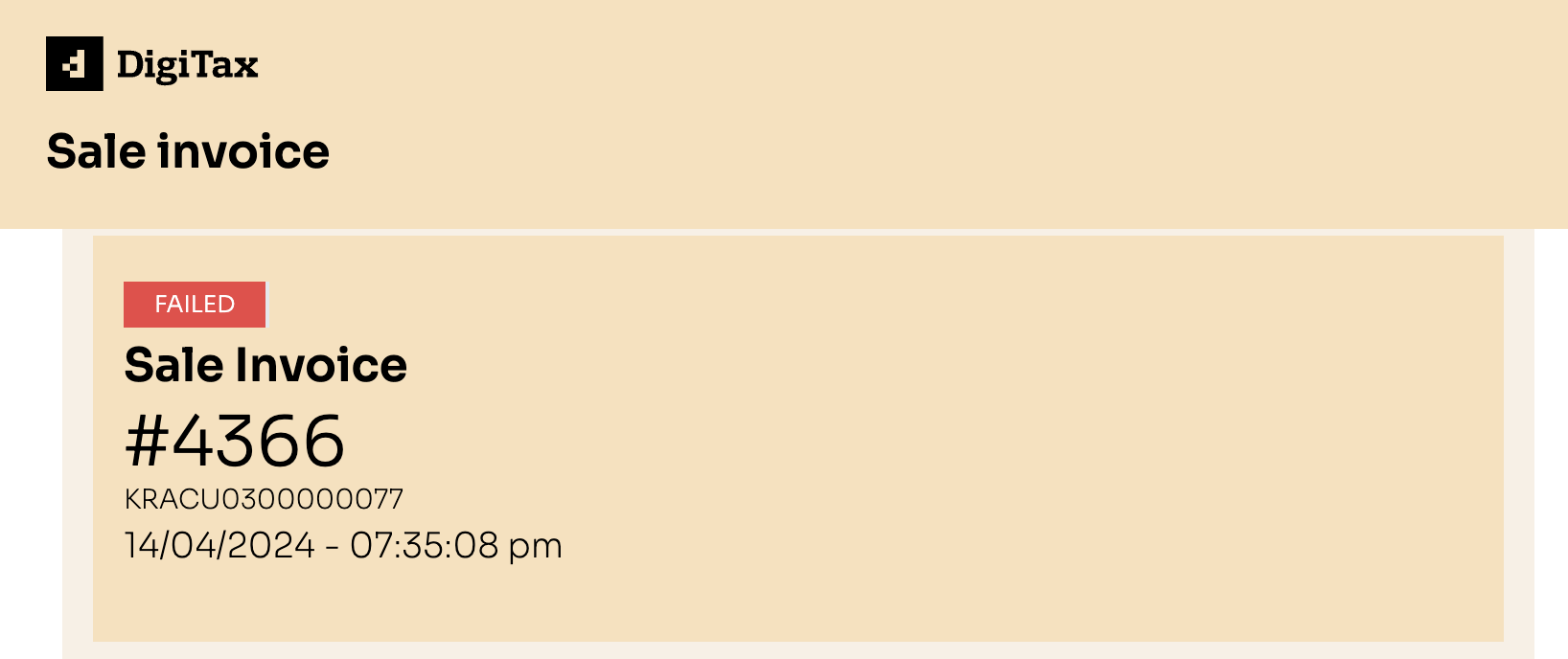
-
URL of a submitted transaction: <https://etims.ke/r/clno9s9zb02fqs601u5i79a06/SL24-100-095834436>
See screenshot below.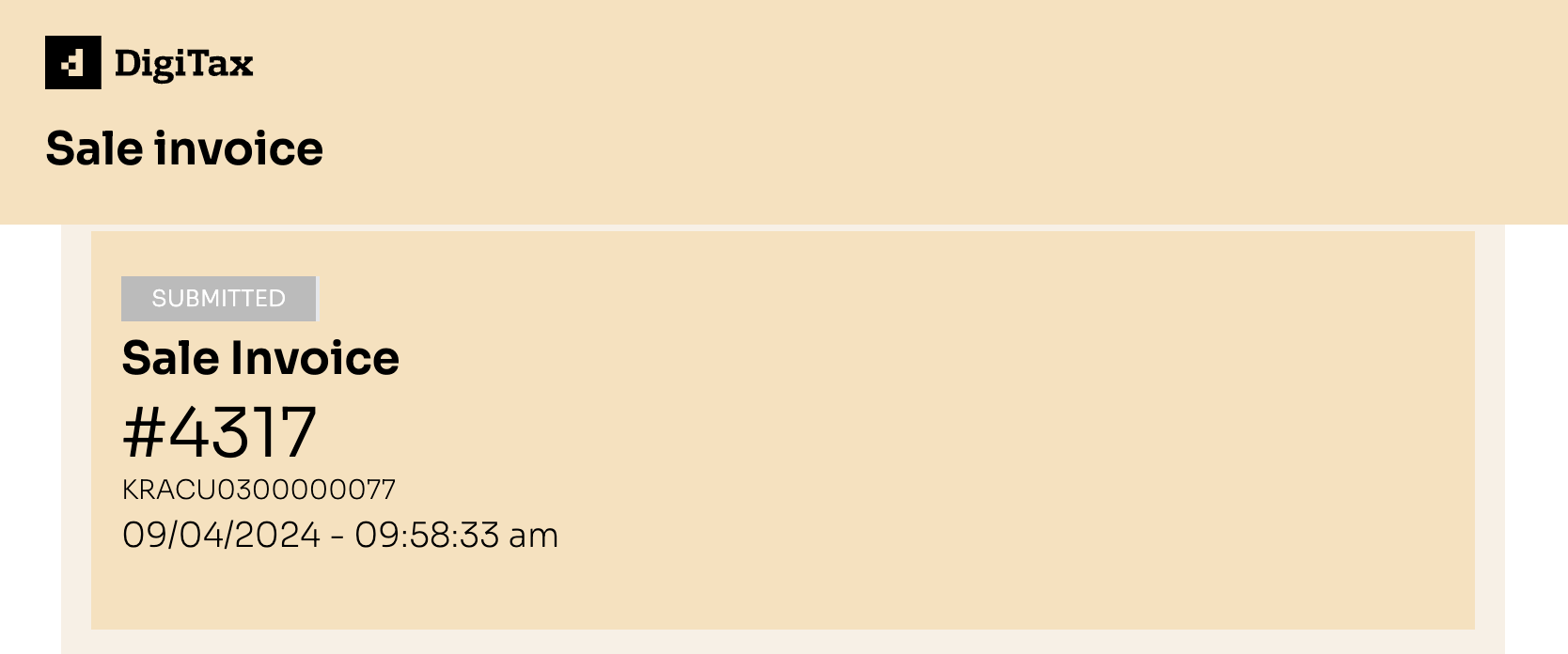
Updated 7 months ago